How to Read a TFT LCD Spec Table (and Spot the Numbers That Actually Matter)
Size, resolution, brightness, interface — four numbers decide if an LCD panel fits your project. We show how to read a spec table using four real panels from our range.
The short answer
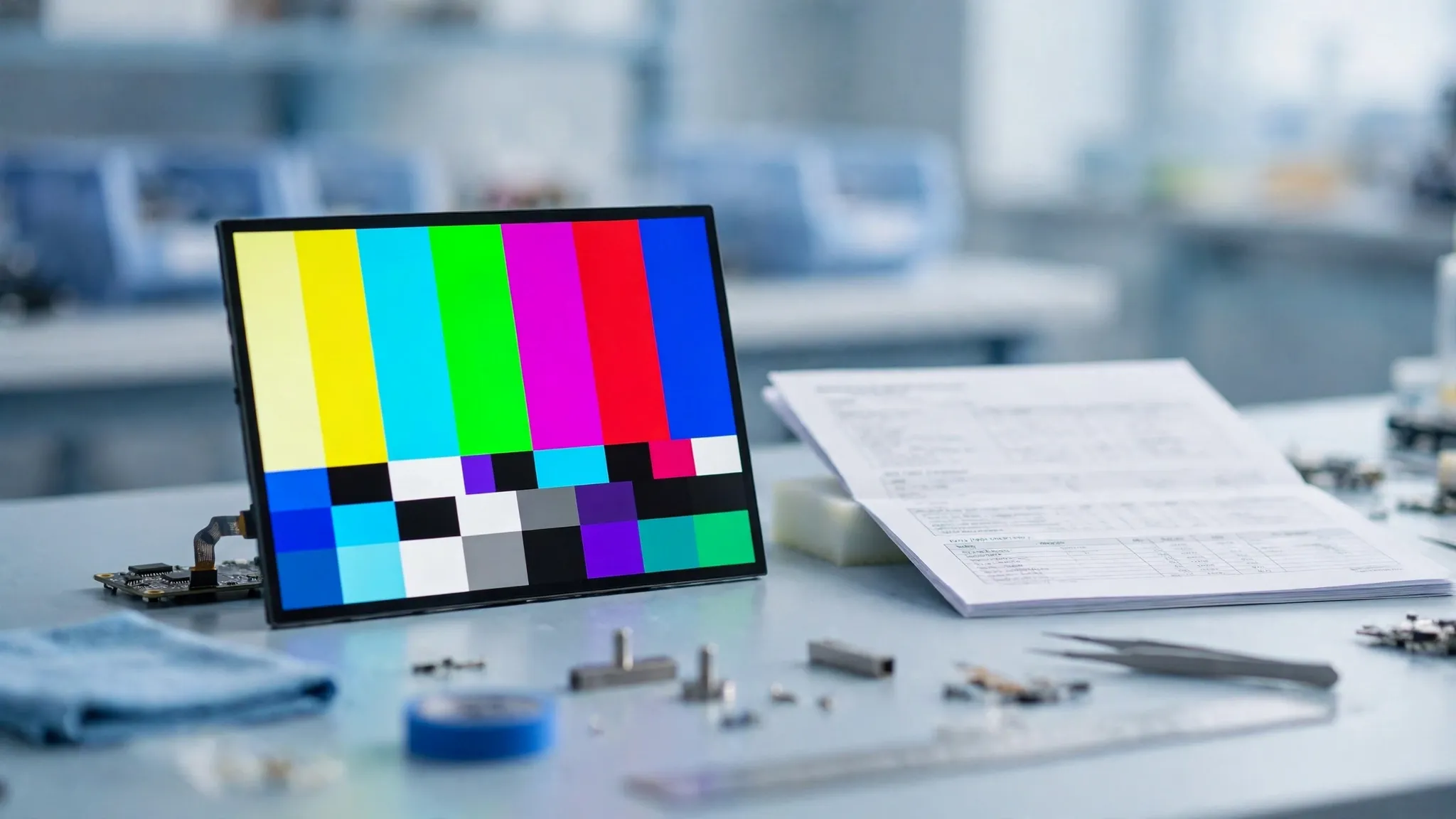
A TFT LCD spec table looks intimidating. Twelve rows of numbers, half of them in units you never use anywhere else. But here's the truth from someone who reads these tables every day: four numbers decide whether a panel fits your project. We supply original BOE panels and custom LCD modules from 3.5" to 43", so we read these tables every day. The rest just confirms the decision.
The four are size and resolution, brightness, interface, and — the one that quietly kills more projects than the other three combined — whether the panel physically and electrically matches what you're building. We'll walk through them with four real panels from our own range, so you can see the numbers doing actual work instead of just sitting in a table.
1. Size and resolution: what the screen shows
Size is the diagonal, in inches. Resolution is the pixel count, width by height. Together they decide how much the screen can show, and how sharp it looks.
- 3.5", 320×480 — YH035HVM40-01. A small screen for handheld terminals, biometric readers and video intercoms. The resolution looks low on paper, but on a 3.5" screen it's enough for buttons, numbers and simple screens. Nobody reads a novel on a door intercom.
- 7", 1024×600 — YH070WSIBM25-01. The classic HMI size. Big enough for a control screen with real menus, small enough to fit in a machine housing. We see this one in industrial controls and biometric readers.
- 15.6", 1920×1080 — EV156FHM-N10. Full HD, medical grade, IPS. This is the panel for when the screen has to show fine detail — medical diagnostics, portable ultrasound, rugged laptops. Text stays sharp, images stay clean.
- 17", 1280×1024 — DV170E0M-N30. A 5:4 screen for patient monitoring stations, ultrasound systems and arcade machines. The squarer shape fits medical carts and cabinets that a widescreen wouldn't.
The rule is simple: match the pixels to the job. Text-heavy work — medical images, diagnostics, dense menus — needs more pixels. A simple control screen doesn't. Paying for resolution you don't need is just paying for nothing.
2. Brightness: can you actually see it?
Brightness is measured in nits. Higher means readable in brighter rooms.
- The 3.5" panel runs at 350 nits — fine for an indoor handheld device.
- The 7", 15.6" and 17" panels all run at 500 nits — built for industrial and medical use, where the lighting is stronger and the screen has to stay readable all day.
Indoors, 300 to 500 nits is usually enough. Outdoors or in direct sunlight, it isn't — and that's where buyers get caught out, ordering a standard-brightness panel for a kiosk that sits in a sunny lobby. If your screen faces the sun, say so before you order: we can build a sunlight-readable, high-brightness LCD for outdoor use — or customize brightness to what your application needs, including custom high brightness where the standard panel falls short.
We wrote a longer guide on matching size and brightness to the application, with the full size range from 3.5" to 43": How to Choose the Right TFT LCD Size and Brightness for Your Application.
3. Interface: the number that kills projects
This is the row buyers skip — and then the panel arrives and doesn't plug into their board.
- YH035HVM40-01: 40-pin RGB. The small-panel standard. Simple, direct, common on handheld devices.
- YH070WSIBM25-01: 25-pin MIPI. The modern mobile-style interface. Fewer pins, high speed, the right choice for compact HMI boards.
- EV156FHM-N10: 30-pin eDP. The laptop-style interface. Standard on medical and rugged-computing boards.
- DV170E0M-N30: 30-pin LVDS. The industrial workhorse. LVDS has been driving 17" panels for years and most industrial boards speak it natively.
Check the LCD module's interface before you fall in love with a panel. If it doesn't match your board, you need an adapter board or a board redesign — both cost time. If your board has HDMI and the panel has LVDS, tell us: we can supply a matching HDMI adapter board and cable with the panel, so the two talk to each other out of the box.
4. The supporting cast: contrast, viewing angle, colour, temperature
These rows don't decide the purchase, but they separate a panel that works from a panel that works well.
Contrast ratio is the difference between the brightest white and the darkest black. The 3.5" panel is 500:1, the 7" is 800:1, the 17" is 1000:1, and the 15.6" medical panel is 1200:1. Higher matters most where image quality matters — medical imaging, for example, where a washed-out black can hide detail.
Viewing direction (viewing angle) tells you where the screen looks best from. The 3.5" panel is 12 o'clock, meaning it reads best viewed slightly from above — normal for a handheld device you look down at. The other three are "free", meaning they read well from any side. That matters for shared screens: a patient monitor that nurses read from the side of the bed, or an HMI that two operators look at from different angles. IPS panels like the 15.6" are free-viewing by nature.
NTSC ratio is the colour range — 50% on the 7", 60% on the 3.5", 72% on the 17". Higher means richer colour. For a control screen it barely matters. For medical imaging it does.
Operating temperature is the one people forget until the first winter. The 3.5" and 17" panels are wide-temperature panels, running from -20 to 70°C; the 7" from -10 to 60°C; the 15.6" from 0 to 70°C. If your industrial display sits in a cold warehouse or a hot factory floor, check this row before you order.
Display area and outline size are the mechanical rows. The outline dimensions decide whether the panel physically fits your housing — measure twice. The 17" panel, for example, is 358.5 × 296.5 × 7.7 mm; if your cabinet is 350 mm wide, it doesn't fit, and no amount of good brightness will fix that.
What's NOT in the table
A spec table tells you what the panel is. It doesn't tell you everything you need to buy well.
Touch isn't listed. None of these four tables has a touch row — touch is customized to the project, so if you need it, ask us and we'll build it in.
The backlight is a standard one unless you say otherwise. We customize the backlight to your requirements, so if your application needs something specific, say so early — it's much cheaper to build it in than to fix it later.
Price, quantity and lead time aren't in the table either. Those depend on your order, and we work flexibly — unlike the very large companies, we don't ask for a huge MOQ before we'll talk to you.
How to use the table
When you're comparing LCD datasheets, read the table top to bottom, in this order: size, resolution, brightness, interface. If those four fit, read the rest to confirm — contrast, viewing angle, temperature, outline size. If one of the four doesn't fit, stop. No other row will save it.
And if you're not sure, send us the table — or just tell us what you're building and what board you're connecting to. We'll read the table with you and tell you honestly whether the panel fits. Our RFQ guide explains what to prepare so we can quote you properly: Request a Quote for TFT LCD Modules. Or write to us directly at lisa@gd-ytgd.com.
The four panels in this article are real models from our range. Their full specifications are on their product pages — YH035HVM40-01, YH070WSIBM25-01, EV156FHM-N10 and DV170E0M-N30.